> ## Documentation Index
> Fetch the complete documentation index at: https://docs.powerdrill.ai/llms.txt
> Use this file to discover all available pages before exploring further.
# How Can I Enter the Admin Console of My Team?
> The Admin console is where you manage the projects, users, subscriptions, and settings in your team
export const community_0 = undefined
To manage your team's projects, users, subscriptions, and settings using the admin account, you must first enter the Admin console:
1. Sign in to [Powerdrill](https://powerdrill.ai).
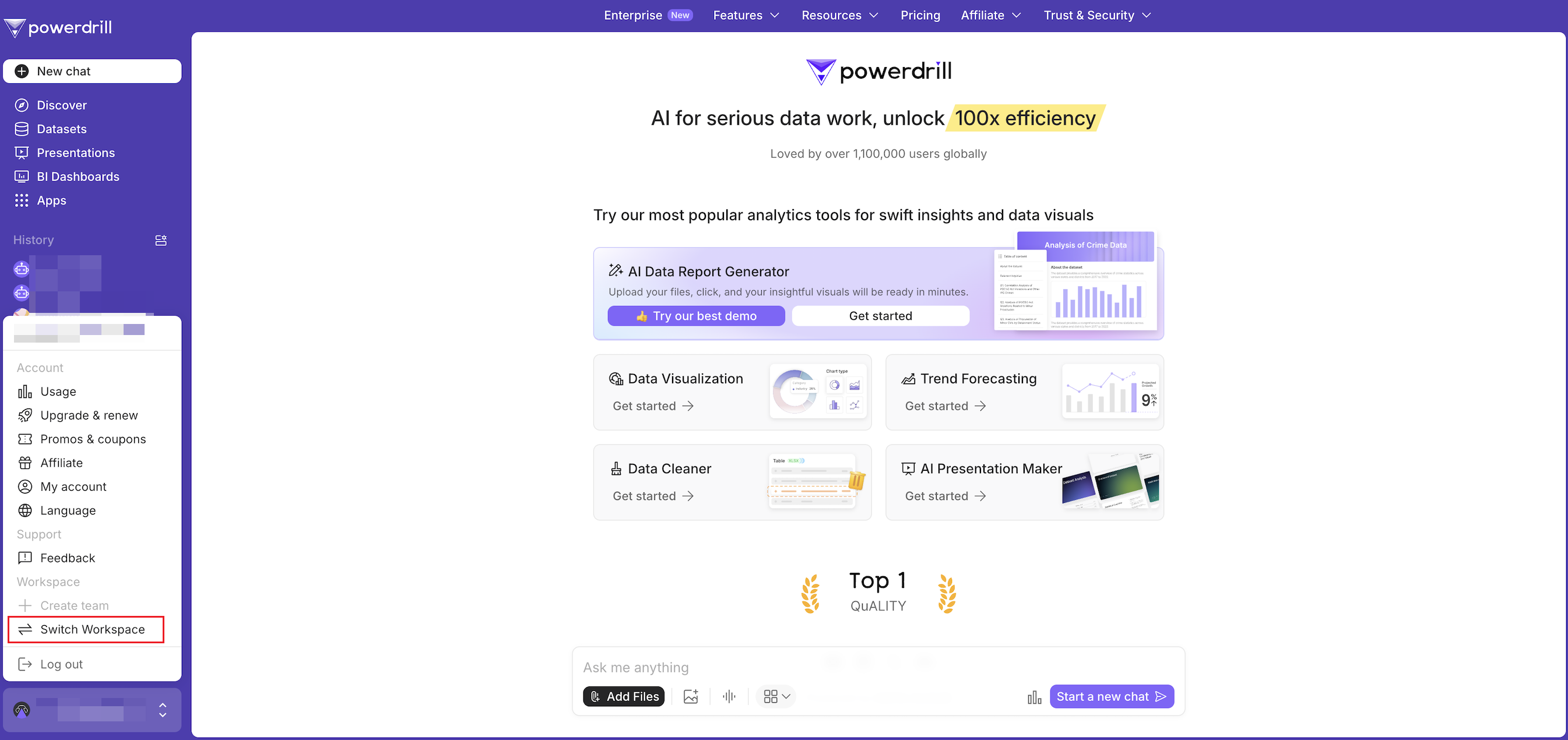
2. Click your profile icon in the lower-left corner.
3. In the menu, go to the **Workspace** section and click **Switch Workspace**.
 4. Click the **Admin console** to enter the Admin console.
***
## Need more help?
Get answers from our {community_0} members
Tell us more and we'll help you out
4. Click the **Admin console** to enter the Admin console.
***
## Need more help?
Get answers from our {community_0} members
Tell us more and we'll help you out